Blog
How to Extract Text from PDF and Images Using OCR Software
Dec 5, 2025
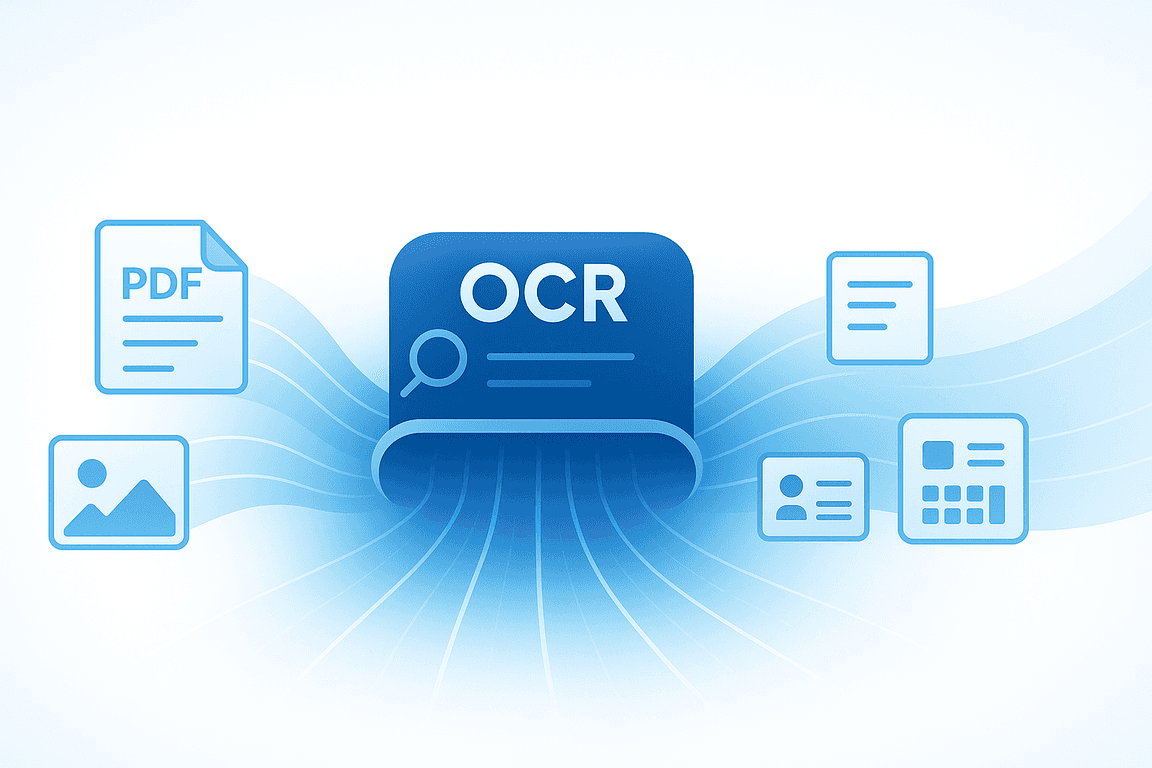
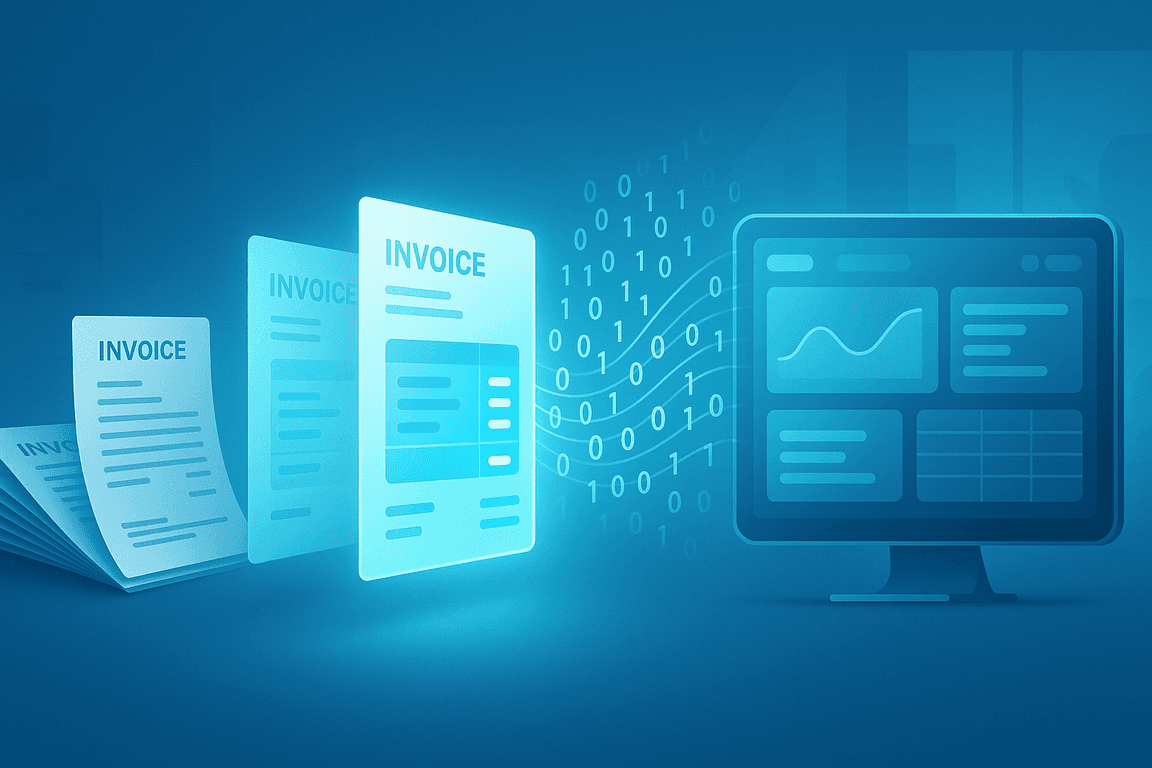
Optical Character Recognition (OCR) has changed how organisations capture and process information. Whether your content is locked inside a PDF file or saved as an image, OCR software makes it possible to convert unstructured information into machine‑readable, usable data without the frustration of manual copying and pasting.
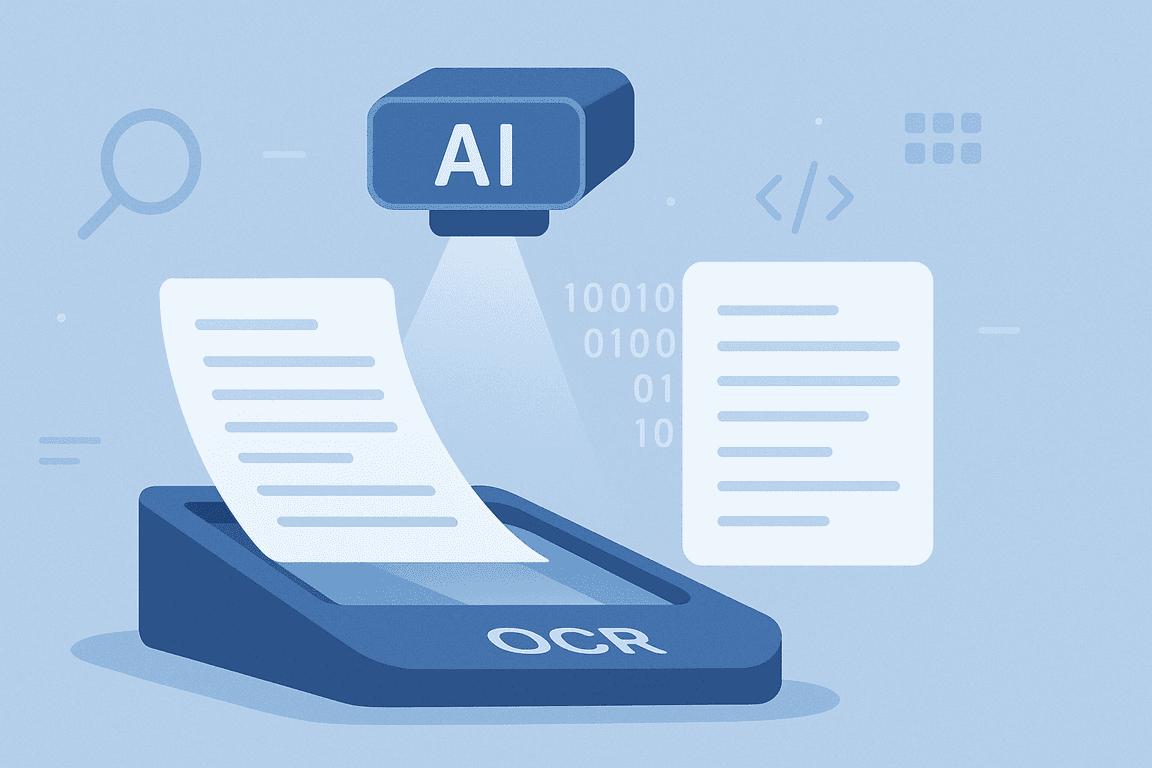
The process becomes even more powerful when paired with AI and Intelligent Document Processing (IDP). These technologies not only improve recognition accuracy but also classify documents automatically, flag potential errors, and verify authenticity to prevent fraud.
From speeding up invoice processing to enabling searchable archives, OCR is helping businesses of all sizes manage their data more efficiently than ever before.
Key Takeaways
Automate text extraction: Replace manual copy‑paste with OCR workflows for both PDFs and images.
Reduce errors: AI‑driven OCR detects and flags anomalies before they reach your systems.
Speed up processes: Process documents in seconds, with bulk handling for greater efficiency.
Integrate seamlessly: Send structured data straight to your ERP, CRM, or database via API or SDK.
Why Extract Text from PDFs or Images?
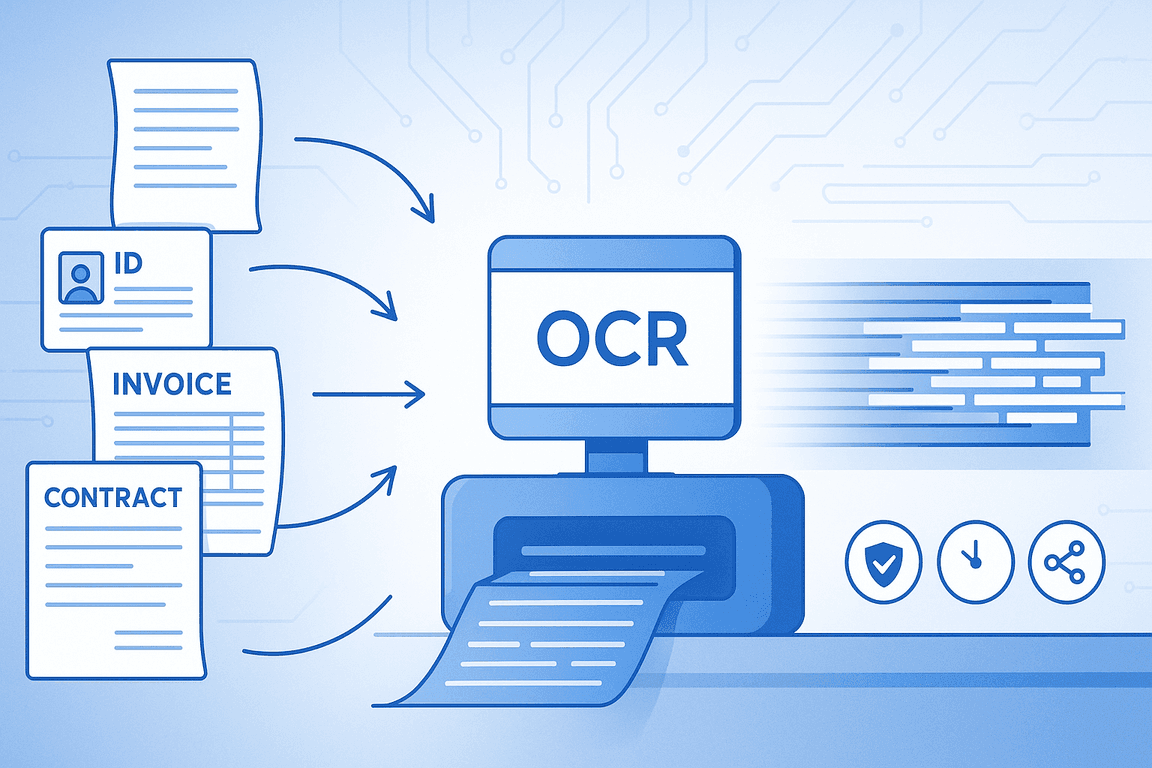
PDFs and image files are excellent for preserving document layout and formatting, but those same strengths make them difficult to edit or process. Copying and pasting text manually may work for a single file, but it quickly becomes unmanageable and error-prone when faced with hundreds or thousands of documents.
OCR technology solves this by recognising printed or handwritten text and converting it into machine-readable information. Paired with AI, it can:
Locate and capture specific fields such as dates, totals, or names
Handle both native digital files and scanned images
Improve data accuracy through intelligent pre-processing
Classify documents by type and flag inconsistencies or potential fraud
Output information in structured formats like JSON, CSV, XML, or XLSX for immediate use in your systems
For businesses, this process delivers faster workflows, fewer mistakes, and data that is ready to support decision-making.
How to Extract Text using OCRSoftware.co
OCRSoftware.co’s AI‑powered platform makes it simple to convert information from PDFs and images into structured, usable data. The process can be fully automated, meaning once you set it up, new files can be processed instantly without manual work. Here is how it works:
Step 1: Upload Your Documents
Choose your input source. You can upload from your computer, connect to cloud storage like Google Drive, Dropbox, or OneDrive, or integrate directly with email inboxes and business applications.
Step 2: Pre‑Process for Accuracy
The system automatically improves file quality by straightening scans, adjusting brightness and contrast, and removing background noise to ensure the text is recognised as accurately as possible.
Step 3: Select Your Document Model
Pick a model suited to your type of document, for example, financial documents, identity documents, or a generic model for mixed content. This ensures the OCR captures the fields relevant to your needs.
Step 4: Extract the Data
OCRSoftware.co scans the entire document and converts text into a machine‑readable format. AI algorithms identify and capture specific fields, such as names, totals, dates, line items, or unique references, depending on your preset configuration.
Step 5: Validate and Classify
Newly extracted data is checked for missing fields, anomalies, and duplicate submissions. Documents can be automatically classified by type for easier downstream use.
Step 6: Export Your Results
Send structured output in formats like JSON, CSV, XML, XLSX, or UBL directly to your ERP, CRM, accounting software, or database. The export can be manual or fully automated through integrations.
How to Get the Best Results
Using OCRSoftware.co is straightforward, but a few best practices can help you achieve consistently accurate results and smoother workflows:
Use high‑quality scans or images
Ensure your documents are clear and well‑lit, with minimal background clutter. If possible, avoid skewed angles when taking photos.
Group similar documents together
Processing batches of similar document types improves AI pattern recognition and speeds up extraction.
Choose the right model for your documents
Select the financial, identity, or generic model depending on what you need extracted. This ensures the OCR targets relevant fields.
Leverage automation through API or SDK
Integrating OCRSoftware.co directly into your systems lets you trigger extraction automatically as soon as documents arrive.
Regularly review extraction presets
Adjust your field configurations if your document layouts change, keeping accuracy rates high.
Common Use Cases
Extracting text from PDFs and images using OCR technology is not just about saving time. It can transform entire workflows across different industries by eliminating repetitive tasks, increasing accuracy, and making information instantly accessible.
The following are practical scenarios where OCRSoftware.co can deliver high impact, along with examples of how it works in real life.
Invoice Processing
Invoices often arrive as scanned PDFs or emailed images. OCR can automatically extract supplier details, amounts, tax data, and line items, speeding up approvals and improving financial oversight.
Example: A wholesale distributor receives hundreds of supplier invoices weekly. OCRSoftware.co captures all key fields from each invoice and pushes the data directly into their ERP system, cutting processing time by 70%.
Expense Management
Receipts and expense reports are frequently stored as images or PDFs. Automated extraction reduces manual entry time, ensures accuracy, and makes it easier to track and reimburse expenses.
Example: A sales team uploads travel receipts from their phones into a shared drive. OCRSoftware.co processes them in bulk, extracting merchant names, totals, and dates ready for expense reimbursement.
Document Archiving and Search
Digitising physical records with OCR makes them searchable and easier to retrieve, improving productivity and accessibility for teams handling large archives.
Example: A legal firm scans years of contracts into PDF format. OCRSoftware.co indexes the entire archive so staff can search by client name or clause in seconds instead of manually reading through files.
Identity Verification
KYC processes require fast and accurate extraction of information from ID documents. OCR captures details like names, numbers, and dates directly into onboarding systems, improving customer experience and compliance.
Example: A fintech app asks users to upload photos of their passports during signup. OCRSoftware.co extracts full name, date of birth, and passport number instantly, integrating the data into the verification workflow.
Ready to Experience Smarter Data Extraction?
OCRSoftware.co is more than an OCR tool. It is a complete AI-powered document processing platform designed to handle a wide range of formats and workflows.
Our technology combines advanced image pre-processing, robust recognition models, and intelligent automation to deliver speed, accuracy, and reliability at scale.
Key Capabilities:
High Accuracy: Achieves extraction rates of up to 99% across supported document types.
Speed: Processes documents in seconds, with options for bulk handling of hundreds at once.
Security & Compliance: Meets ISO 27001, SOC 2, and GDPR standards to protect sensitive data.
Scalability: Suitable for both small teams and global enterprises with large volumes.
Flexible Integration: API, SDK, and no-code workflows make connecting to your ERP, CRM, or other platforms quick and easy.
Whether you are digitising archives, automating invoice handling, or streamlining onboarding, OCRSoftware.co adapts to your needs, helping you extract accurate data and integrate it seamlessly into your processes.
Ready to experience smarter text extraction? Start today with a free demo and discover how effortlessly you can turn PDFs and images into reliable, actionable data.