Blog
Top 10 OCR Tools for Invoice Processing in 2026
Dec 8, 2025
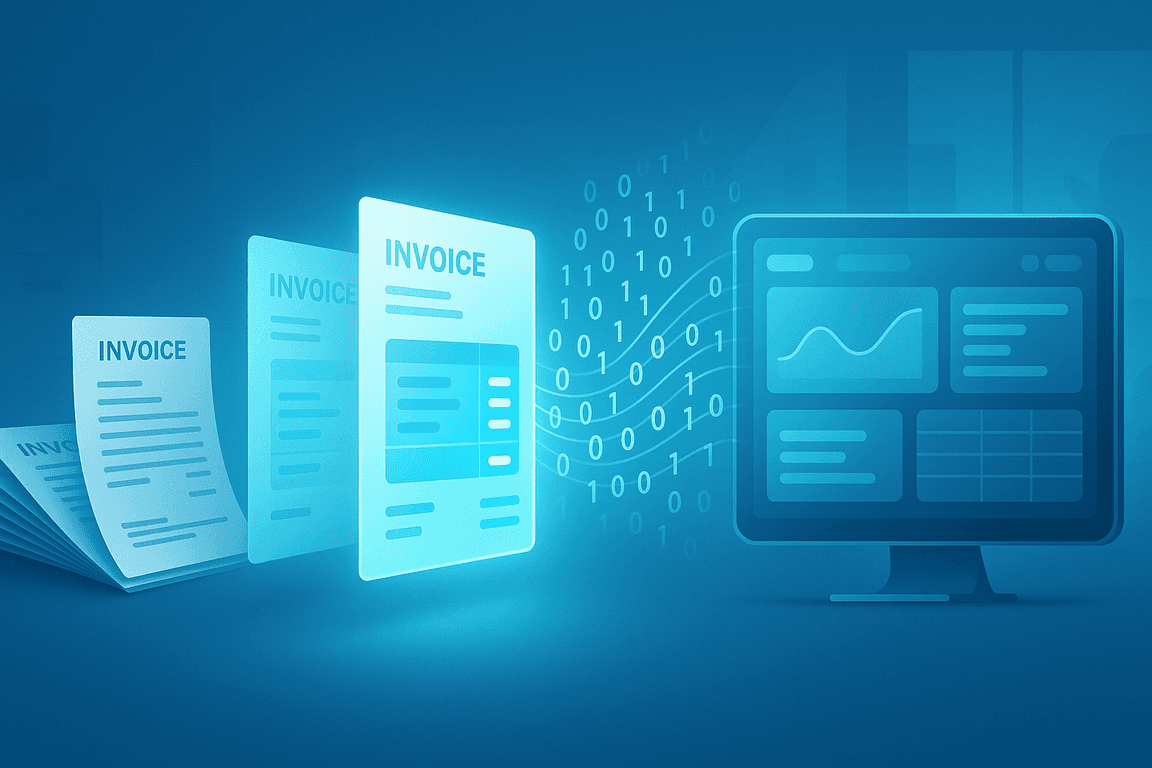
Invoice processing remains a major burden for accounts payable teams because manual data entry slows down operations, introduces errors, and limits visibility into cash flow. According to Ardent Partners, manual processing costs the average enterprise nearly $10 per invoice and takes roughly 11 days to complete.
Modern OCR (Optical Character Recognition) solutions address these issues by automating the extraction of key fields, such as supplier details, invoice numbers, and line items. By shifting from manual entry to automated capture, companies can turn days of administrative work into seconds of digital processing.
When paired with AI, modern OCR technology goes beyond simple text capture. These systems can adapt to varied layouts, validate extracted data, and flag potential fraud while integrating directly with your existing ERP software. This guide explores the 10 leading OCR tools for 2026, comparing their features and scalability to help you choose the best fit for your workflow.
Key Takeaways
Automated invoice processing saves time and reduces errors by capturing data directly from PDFs, scanned images, and email attachments.
AI-powered OCR adapts to different layouts and can validate, classify, and flag anomalies without relying on rigid templates.
Integration is essential for sending extracted data straight into ERP, AP automation tools, or accounting systems.
Compliance and security must be a priority with features such as encryption, role-based access, and recognised certifications like ISO 27001, SOC 2, and GDPR.
What is OCR for Invoice Processing and Accounts Payable?
OCR for invoice processing and accounts payable is technology that reads printed or scanned invoice text and converts it into structured, machine-readable data. By using advanced recognition models and AI, modern OCR can locate specific fields such as invoice numbers, dates, totals, line items, and vendor details.
This technology eliminates the need for manual data entry, reducing the risk of typos and missing information. OCR can process both native digital invoices and scanned paper documents, making it adaptable to multiple sources. Once captured, the data can be validated against business rules, classified by document type, and fed directly into ERP or accounting systems.
For finance teams, OCR shortens approval cycles, improves accuracy, and provides faster insights into cash flow. When combined with automation workflows, invoice OCR can process hundreds or thousands of documents in minutes, freeing staff to focus on higher-value tasks.
Top 10 OCR Tools for Invoices in 2026
1. OCRSoftware.co
OCRSoftware.co is a complete intelligent document processing platform designed to capture, validate, and export invoice data with exceptional accuracy. It supports over 100 document types and offers flexible integration with ERP and accounting systems, making it a top choice for both mid-sized companies and enterprises.
Pros:
✔ Accuracy up to 99%
✔ Advanced validation and fraud detection
✔ Multi-language support
✔ Secure, compliant processing
Cons:
✖ Initial workflow setup may require planning
Pricing: Custom licensing or usage-based options
2. Klippa DocHorizon
Klippa DocHorizon is an AI-powered solution built entirely in-house to automate data extraction from invoices, receipts, and passports without relying on templates. It features powerful image pre-processing and integrates seamlessly with major ERP and CRM systems.
Pros:
✔ Upload via app, web, or email
✔ Template-free extraction with up to 99% accuracy
✔ Supports PDF, JPG, PNG, XLSX, and more
✔ Exports to JSON, CSV, UBL, XML, and more
Cons:
✖ No support for non‑Latin alphabets
✖ Onboarding and integration may require technical expertise
Pricing: €25 free credit; license or usage-based pricing model
3. Doxis by SER Group
Doxis is an enterprise-grade suite that combines high-quality OCR with robust workflow management. It organizes captured data into searchable archives and logs every step for audit readiness, making it ideal for regulated industries.
Pros:
✔ Strong compliance and audit trails
✔ Flexible workflow design
✔ Deep ERP integration (SAP, Microsoft Dynamics)
Cons:
✖ Higher learning curve for non-technical teams
Pricing: Custom pricing
4. Nanonets
Nanonets uses deep learning to allow businesses to train custom models for complex or varied invoice formats. It is highly scalable and includes features for line-item extraction and document classification.
Pros:
✔ Highly customizable custom models
✔ Scales easily for high volumes
✔ Strong API integration capabilities
Cons:
✖ Technical skills needed for advanced features
Pricing: Free starter tier available; custom enterprise plans
5. DocuClipper
DocuClipper specializes in financial data accuracy, cleanly capturing totals, decimals, and table structures from invoices and bank statements. Its focus on numerical precision makes it a favorite for accountants using QuickBooks.
Pros:
✔ High accuracy for financial and numerical data
✔ Easy integration with accounting software
Cons:
✖ Limited automation outside of finance use cases
Pricing: Custom pricing
6. ABBYY FlexiCapture
ABBYY FlexiCapture is a powerhouse for processing complex invoice layouts from multinational suppliers. It supports both cloud and on-premise deployment, offering advanced document classification and routing for high-volume environments.
Pros:
✔ Flexible deployment (Cloud/On-premise)
✔ Strong multi-language coverage
✔ Accurate field capture for complex layouts
Cons:
✖ Longer configuration time
✖ Potentially higher cost for full feature set
Pricing: Custom pricing
7. AvidXchange
AvidXchange offers invoice OCR as part of a complete AP automation ecosystem, handling everything from capture to payment. It is designed to reduce reliance on separate tools by integrating OCR directly into the payment workflow.
Pros:
✔ End-to-end AP automation suite
✔ Compliance-ready features
Cons:
✖ Longer setup process
✖ Custom pricing only
Pricing: Custom pricing
8. Coupa
Coupa provides a unified platform for procurement, AP automation, and invoice OCR. It offers complete visibility into spending, tracking the entire lifecycle from purchase order to final invoice payment.
Pros:
✔ Integrated spend management
✔ Cloud scalability for large enterprises
Cons:
✖ Complex for smaller teams
✖ Pricing aimed at large organizations
Pricing: Custom pricing
9. DocuPhase
DocuPhase pairs its OCR technology with a strong workflow automation engine, making it excellent for companies needing complex approval routing. Extracted data can be sent directly to ERP platforms or accounting systems.
Pros:
✔ Flexible automation rules
✔ Custom workflow routing
Cons:
✖ OCR capabilities are secondary to workflow features
Pricing: Custom pricing
10. Dext Prepare
Dext Prepare is a mobile-first solution designed to capture invoices and receipts on the go. It automatically categorizes documents by vendor or expense type, making it a handy tool for distributed teams.
Pros:
✔ Mobile-friendly and easy to use
✔ Strong automatic categorization
Cons:
✖ Inconsistent vendor matching
✖ Mixed support reviews
Pricing: Custom pricing
Key Features to Consider in 2026
Choosing OCR software for invoice processing is not only about finding a popular product. The right platform should align with your document types, processing volumes, integration needs, and compliance requirements. Below are the features that accounts payable teams and finance leaders often evaluate before making a decision.
Accuracy Across Diverse Layouts
High field-level accuracy decreases the need for manual reviews. Look for solutions that consistently achieve above 95 percent accuracy for both header and line items, even when invoice layouts vary significantly.
Template Flexibility
The OCR tool should work without rigid templates and be able to adapt automatically to different supplier formats. This is crucial for companies dealing with a wide range of document styles.
Integration Capabilities
Smooth integration with your ERP, accounts payable automation tools, or accounting software is essential. Direct connectors and robust APIs help avoid duplicate entry and speed up workflows.
Speed and Scalability
Ensure the platform maintains performance during high-volume periods such as the month-end. Batch processing and queue management can help sustain processing speeds.
Compliance and Security
Sensitive financial data should be protected with encryption in transit and at rest. Certifications such as ISO 27001, SOC 2, and GDPR compliance offer extra assurance.
Document Type Support
Verify that the OCR software can process all invoice sources, including PDFs, scanned images, email attachments, and photographs taken on mobile devices.
Ease of Use
A user-friendly interface and straightforward workflow design will reduce training time and encourage faster adoption among finance staff.
Why OCRSoftware.co Stands Out
OCRSoftware.co is more than an OCR tool. It is a complete AI-powered invoice automation platform designed to capture, validate, and export data from any invoice format quickly and accurately. The technology combines advanced image pre-processing, machine learning models, and intelligent automation to deliver speed, accuracy, and reliability at scale.
Key strengths include:
Accuracy rates up to 99 percent across varied layouts and languages
Real-time data validation and built-in fraud detection for duplicate or manipulated invoices
Secure, GDPR compliant processing with encryption, masking, and anonymisation as standard
Seamless integration with ERP, AP automation suites, and accounting systems through API, SDK, or no-code workflows
Scalability for processing hundreds or thousands of invoices in seconds, in either batch or real time
For businesses looking to improve accounts payable efficiency, reduce manual entry, and ensure compliance, OCRSoftware.co offers a future-ready approach to invoice data capture.
Ready to experience smarter invoice processing? Start today with a free demo and see how OCRSoftware.co can automate, validate, and accelerate your invoice workflows while reducing operational risk.