Blog
How To Choose The Right OCR Software In 2026?
Dec 1, 2025
When businesses talk about moving faster and reducing errors, OCR is often at the centre of the conversation. Over the last decade, Optical Character Recognition has grown from a tool that simply read text into a cornerstone of automation strategies, especially in finance, compliance, onboarding, logistics, and retail.
We've seen what happens when organisations get it right: invoices processed in seconds, IDs verified instantly, and contracts checked without anyone paging through them line by line. We have also seen what happens when OCR does not align with the organisation’s reality, including output that still needs manual fixing, security gaps, and wasted integration opportunities.
Choosing the right OCR software is not about chasing feature lists or picking the biggest brand name. It is about finding technology that understands your documents, delivers consistently accurate results, and fits neatly into your existing processes. When accuracy, integration, and security come together, OCR transforms from a background utility into a driver of operational change.
Key Takeaways
Match to your document types: Ensure the OCR software supports all formats you need, including PDFs, scanned images, multi‑language content, and handwriting if relevant.
Prioritise accuracy: Target extraction accuracy above 95 percent to minimise manual corrections and improve workflow speed.
Focus on seamless integration: APIs, SDKs, and pre‑built connectors let OCR data flow directly into your existing systems.
Ensure compliance and security: Choose solutions with encryption, role‑based access control, and recognised certifications such as ISO 27001, SOC 2, and GDPR.
What OCR Is and Why It Matters
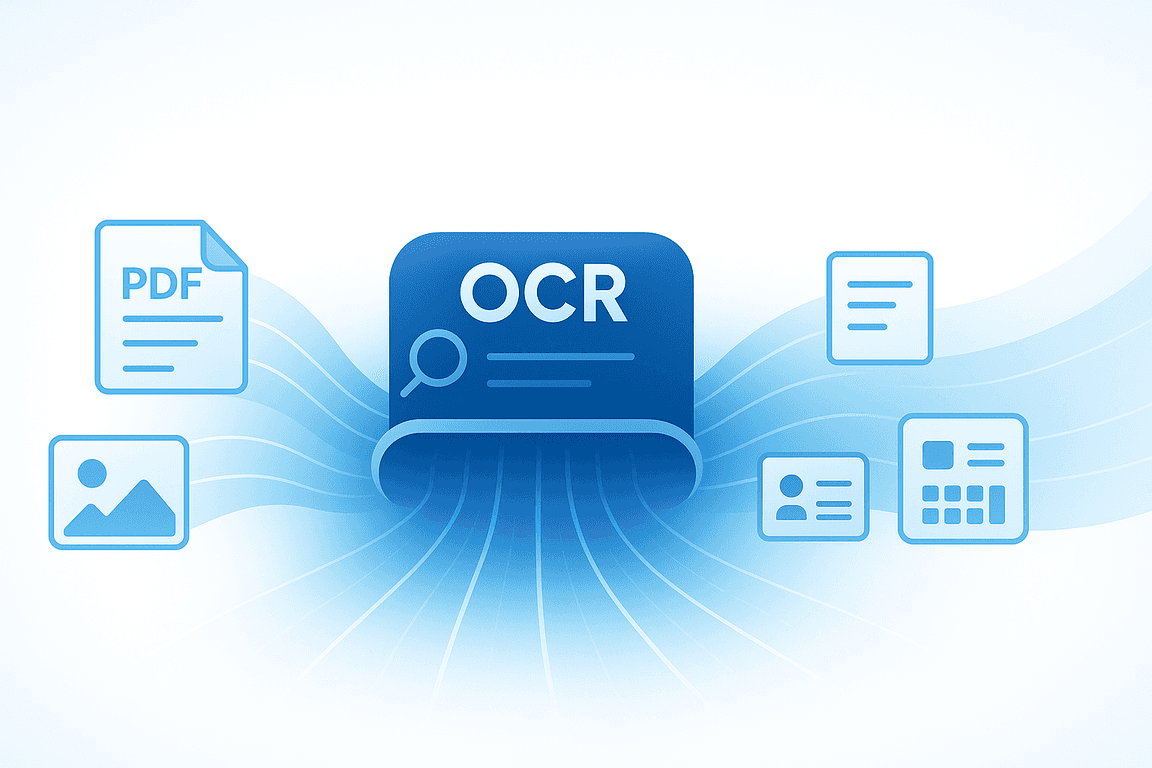
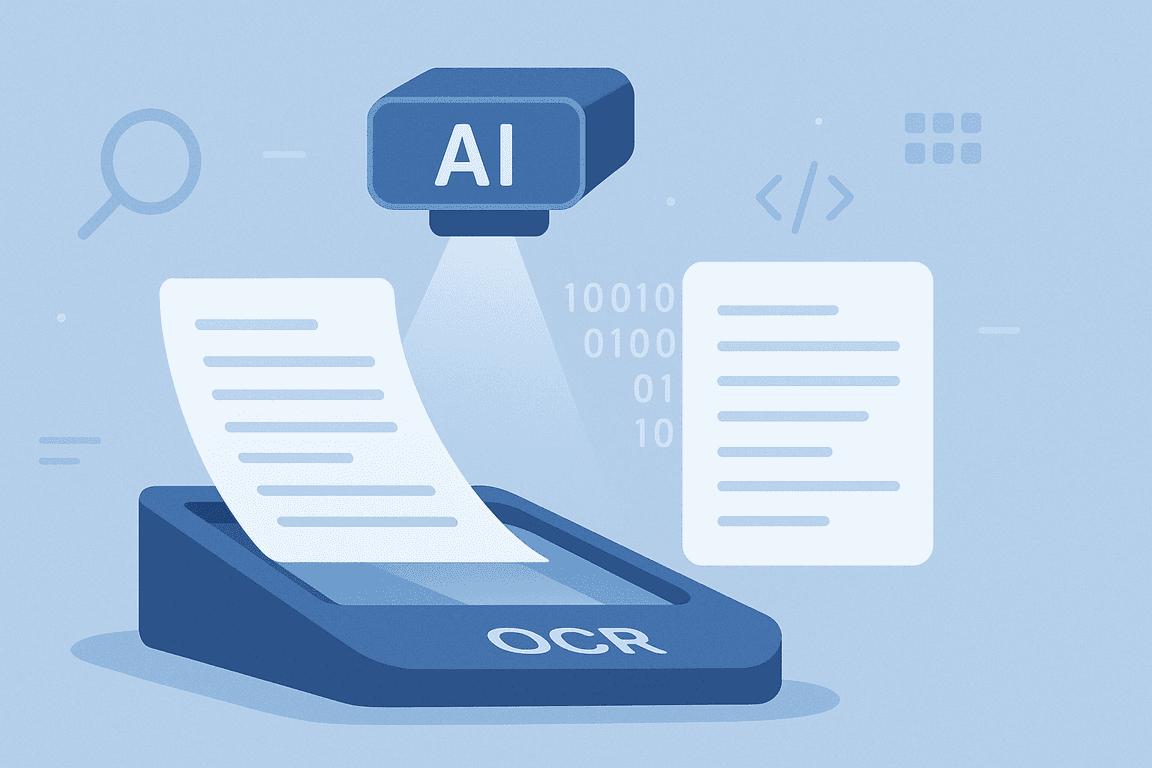
Optical Character Recognition, or OCR, turns text from images or scanned documents into structured, machine‑readable data.
Early OCR technology focused on recognising printed characters. Modern solutions go further by identifying specific fields such as invoice numbers, dates, customer names, and totals, as well as classifying documents and validating data against trusted sources.
Without OCR, organisations rely on manual data entry, which is slow, costly, and prone to errors. OCR accelerates data capture, improves accuracy, and enables automation across workflows. For regulated industries, it also supports audit readiness and ensures consistent, secure handling of sensitive information.
When implemented well, OCR moves beyond digitisation to become a key driver of faster decisions, reduced costs, and greater efficiency.
Key Features to Evaluate in OCR Software
Selecting OCR software is not only about price or ticking boxes on a feature list. The right system must fit your document types, align with your workflows, and meet your accuracy and security requirements.
Here are the core areas to examine closely before making a decision.
1. Document Type Support
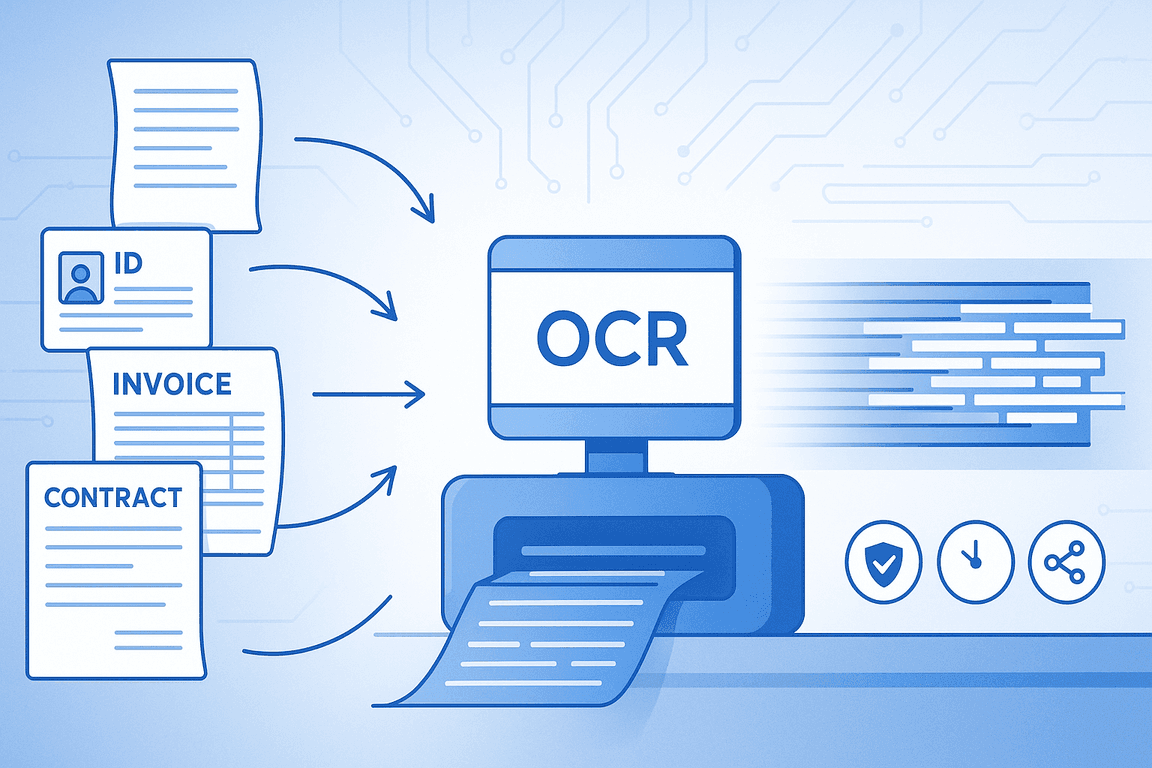
Start by identifying the formats your organisation processes daily. Invoices, receipts, identity documents, contracts, and bank statements each bring unique layout and quality challenges.
If your operations span multiple countries, multilingual recognition is essential. In certain industries, the ability to capture handwriting is equally important.
Your chosen OCR should be able to handle this variety without needing a new template for every document variation.
2. Accuracy That Holds in Real Conditions
Accuracy figures need context. A solution may perform well on clean, standardised PDFs, yet struggle with mobile images or unconventional layouts.
Field‑level accuracy above 95% is the benchmark to minimise manual corrections, especially for payment amounts, dates, and ID numbers.
Ask potential providers to test OCR performance on your actual documents, not just demonstration samples.
3. Image Pre‑Processing Capabilities
Poor image quality is a common barrier to accurate OCR. Features such as de‑skewing, noise reduction, and brightness or contrast adjustment can significantly improve results. This is especially true for low‑quality scans or smartphone captures.
Preprocessing steps often happen in the background, but they are decisive in meeting accuracy targets.
4. Automation and Intelligent Data Handling
Advanced OCR solutions use AI to classify documents, extract fields without fixed templates, and validate data automatically. Integrations with internal or external databases allow the system to check for correctness before data enters your workflows.
Adaptive learning capabilities enable OCR software to improve over time, handling new layouts without manual setup.
5. Fraud Detection Tools
If your workflows involve financial transactions, contractual documentation, or regulated submissions, fraud detection features are crucial.
The system should be able to compare new documents against archives to detect duplicates. It should also flag altered numbers or inconsistencies in metadata.
Early detection can prevent revenue loss and protect against compliance breaches.
6. Bulk Processing Efficiency
For high‑volume environments, batch upload and parallel processing save considerable time. Whether processing hundreds of invoices or thousands of receipts, throughput speed affects operational costs.
Fast processing also supports better service levels and business responsiveness.
7. Compliance and Security Standards
Sensitive data needs protection during processing and storage. Encryption in transit and at rest should be standard practice. Role‑based access control ensures only authorised users can view or edit information.
Recognised certifications like ISO 27001, SOC 2, and GDPR compliance demonstrate a mature security posture.
A thorough evaluation means looking beyond performance in perfect demo conditions. The right OCR solution delivers consistent accuracy at scale, integrates seamlessly into your systems, and remains flexible as your document landscape evolves.
The Role of Integration
OCR achieves its full impact when extracted data moves instantly and seamlessly into the systems that run your business. Without proper integration, even the most accurate OCR output can become another data silo, requiring manual transfers or reformatting that erode efficiency.
Connecting to Core Systems
Integration enables OCR to communicate directly with platforms such as ERP, CRM, accounting software, or document management solutions.
This connection means invoices captured by OCR can automatically populate payable ledgers, identity documents can feed into customer records, and scanned contracts can be indexed for legal retrieval without human input.
APIs for Flexibility
An API allows software systems to exchange data programmatically. With API integration, an application can send documents to OCR, receive structured data back in seconds, and trigger downstream workflows such as approvals or compliance checks.
This approach works well for organisations with complex, interconnected systems.
Mobile SDKs for Field Capture
Teams in logistics, utilities, insurance, or retail often need to capture documents on location. A mobile SDK integrates OCR directly into existing apps, enabling drivers to upload delivery notes from their phone, agents to scan IDs during onboarding, or staff to record proof of purchase without returning to an office.
End‑to‑End Workflow Solutions
Some OCR platforms combine document ingestion, classification, extraction, validation, and secure export into one environment.
This eliminates the need to manage multiple tools and creates a continuous, controlled process from capture to archive.
Why Integration Matters
Without integration, OCR becomes an isolated step rather than part of a unified workflow. Properly connected, it can trigger automated actions, deliver real‑time data to teams, and ensure that the benefits of speed and accuracy are fully realised.
Whether through APIs, SDKs, or comprehensive workflow platforms, integration is the bridge between good OCR and transformative automation.
Common Use Cases for OCR
OCR delivers its greatest value when applied to specific, recurring workflows that demand speed, accuracy, and security. These are the areas where it consistently makes a measurable impact.
Accounts payable automation
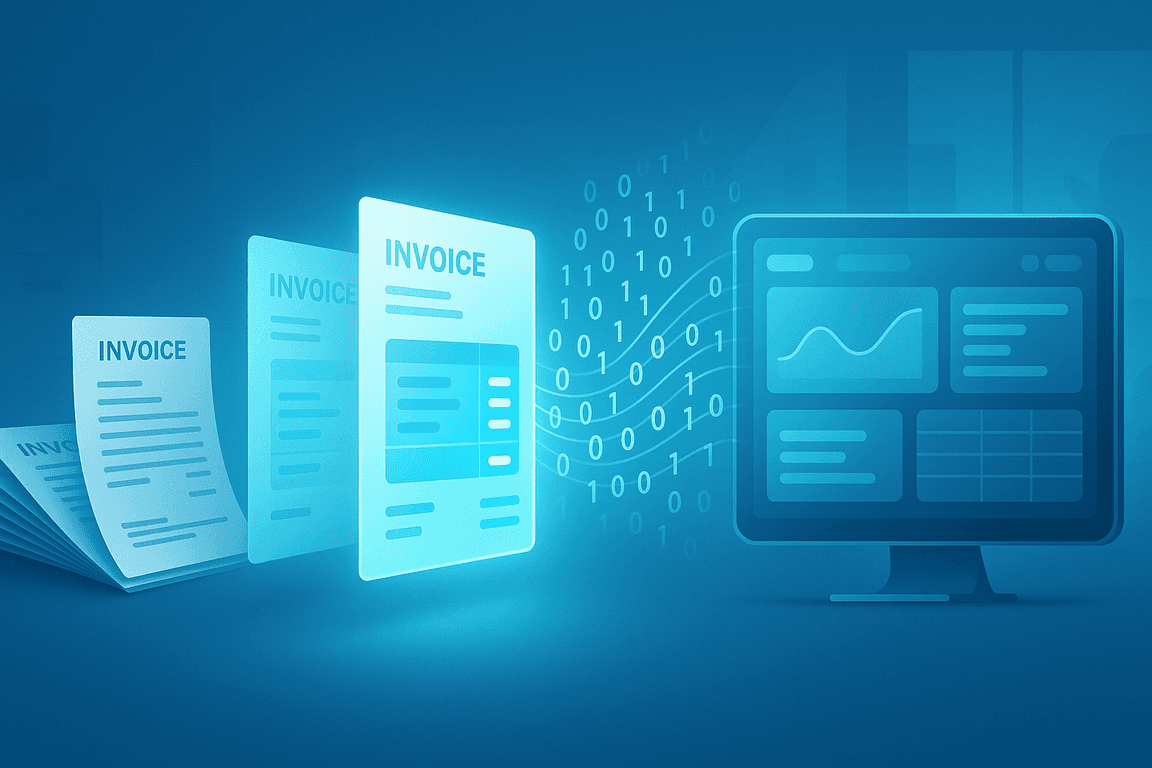
Invoices arrive in many formats: PDFs from suppliers, scans of paper bills, even images taken on mobile devices. OCR can extract key data such as vendor name, invoice number, date, amounts, and tax details without manual entry.
When connected to an ERP or accounting system, it can match invoices to purchase orders, flag duplicates, and trigger payment approvals automatically. The result is faster processing times, fewer data entry errors, and improved cash‑flow management.
Customer onboarding (KYC)
Onboarding in regulated industries often requires capturing and verifying identity documents quickly but without sacrificing compliance.
OCR can read details from passports, ID cards, and driving licences in seconds, even from mobile captures. Integrated with verification tools, it ensures that customer data is stored securely, checked against watchlists if necessary, and ready for approval without delays.
Loyalty program verification
Retail and consumer brands frequently run promotions that reward qualifying purchases. OCR allows scanned or photographed receipts to be processed automatically, extracting product names, purchase dates, amounts, and store locations.
This speeds up reward fulfilment, reduces staffing needs for manual validation, and gives customers faster feedback.
Contract completeness checks
Legal teams and operations managers benefit from OCR’s ability to quickly analyse document structure. It can spot missing signatures, clauses, or pages before contracts are finalised, ensuring compliance and reducing the risk of disputes.
Combined with automated alerts, it allows teams to resolve issues before agreements are stored or acted upon.
Fraud detection
In finance, insurance, and compliance contexts, OCR can help identify fraudulent activity. Systems can detect duplicate invoices submitted under different file names, altered documents with manipulated figures, or mismatched data between captured content and existing records.
This early detection reduces exposure to financial loss and strengthens security protocols.
Across each of these use cases, the common gains are accuracy, speed, and the ability to integrate seamlessly with existing systems. OCR shifts the workload from people to software, freeing teams to focus on complex decision‑making rather than routine data collection.
Choosing OCRSoftware With Confidence
Selecting OCR software is more than a technical choice. It is a strategic decision that will determine how your organisation captures, processes, and protects information. The right solution delivers consistent accuracy, integrates smoothly into your workflows, and maintains security while adapting to future needs.
When evaluating providers, focus on:
Consistent accuracy above 95 percent to keep automation efficient and minimise manual corrections.
Seamless integration with ERP, CRM, accounting, and document management systems.
Security and compliance through encryption, role‑based access controls, and certifications such as ISO 27001, SOC 2, and GDPR.
Broad document support for varied formats, multi‑language text, and handwriting recognition.
Advanced automation features like document classification, validation, and adaptive learning.
Performance proven on your own documents in real conditions.
At OCRSoftware.co, our platform is built around these exact priorities. It delivers high accuracy on complex documents, supports multiple languages and formats, and integrates smoothly with existing enterprise systems through APIs, SDKs, or full workflows. With certified security and adaptive technology, your data stays protected while performance improves over time.
If you are ready to see how our OCR works, book a demo with our team. We will show you exactly how OCRSoftware.co can reduce manual work and make your document workflows faster, smarter, and more secure.